Search, Home, Subscriptions
Spoken language chips
A colour-coded chip on each thumbnail shows the language actually spoken, read from YouTube speech tracks. A translated title no longer hides a Hindi or Spanish video.

YouTube auto-translates titles and adds AI voiceovers. AudioMatch tags every thumbnail with the language you will hear.
No account. No tracking. Runs on your device.


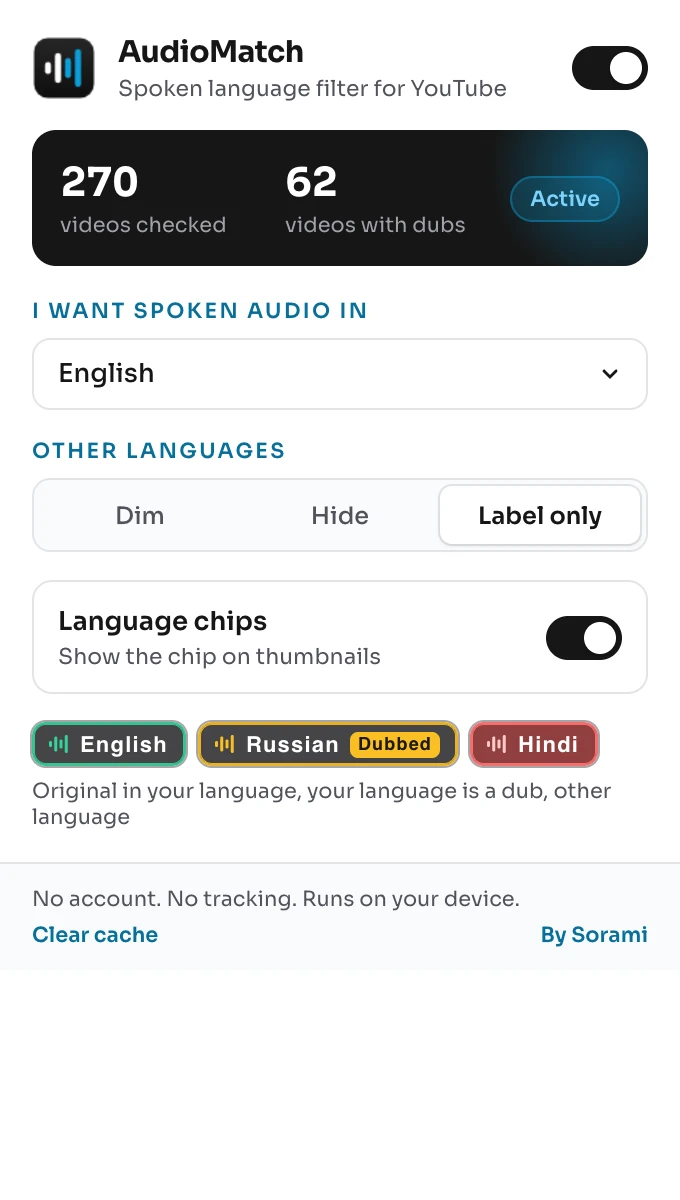
Every image below is a real capture of the extension running on YouTube.
A colour-coded chip on each thumbnail shows the language actually spoken, read from YouTube speech tracks. A translated title no longer hides a Hindi or Spanish video.
An amber Dubbed tag means the version in your language is a dub. The chip names the original language, so you can switch to the real voice.
Pick what happens to other languages. Dim fades them back, Hide removes them from the feed, Label only leaves everything visible with chips.

When YouTube plays the inline preview, the chip stays pinned in the same spot on top of the video. No flicker, no jump.

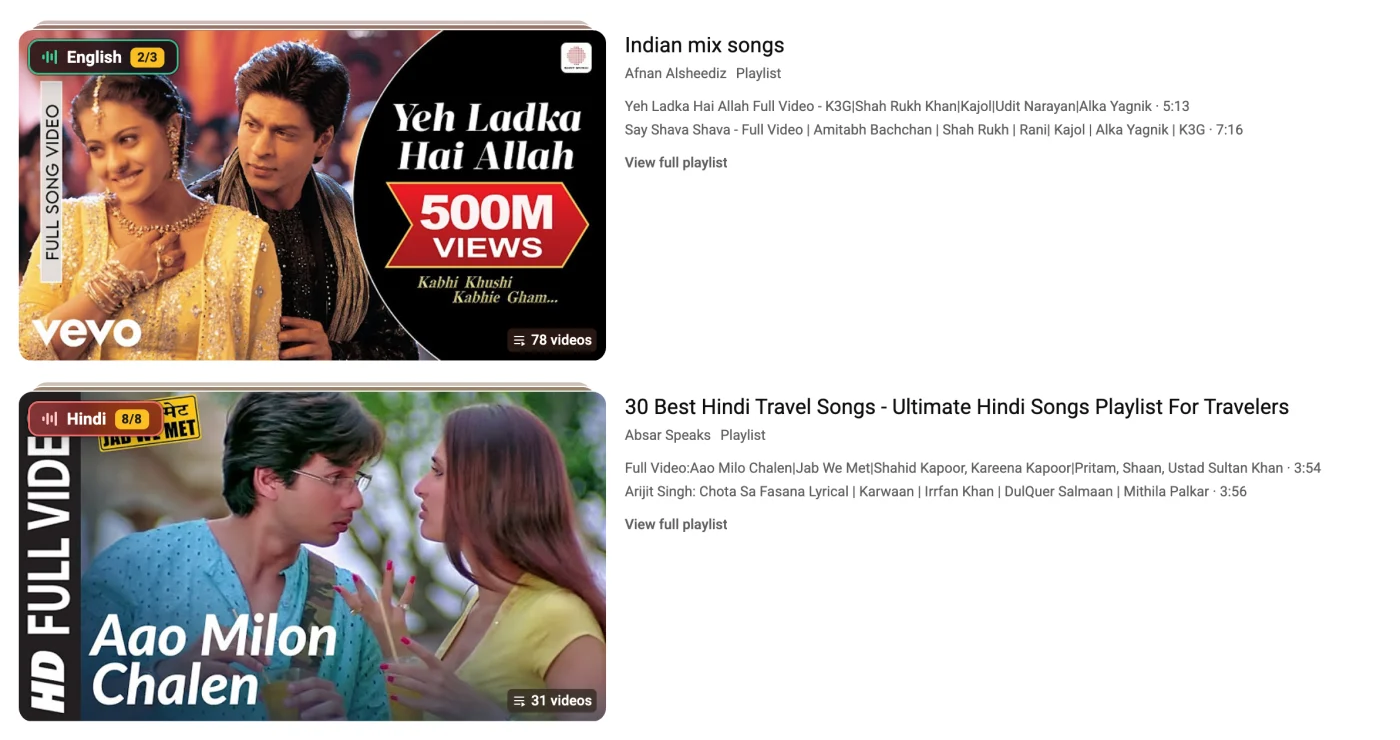
AudioMatch samples videos inside a playlist and shows the count, such as Hindi 8/8, before you start a course or series.
The same chip sits beside the video title on the watch page, so you know what you are listening to after you click.

No account, no analytics, no Sorami servers. Results are cached on your device for 14 days and you can clear them from the menu at any time.
YouTube generates automatic speech recognition (ASR) caption tracks and audio stream manifests for videos. AudioMatch inspects these public manifests client-side to verify the actual spoken language and flags videos with multiple audio tracks or synthetic AI auto-dubbing.
YouTube frequently auto-translates video titles into English and applies synthetic AI multi-track voiceovers without asking. Viewers click thinking they will hear the original creator, only to get robotic dubbing. AudioMatch marks dubbed videos with an amber "Dubbed" badge so you always know.
Yes. Choose your primary language in the extension popup. You can highlight your language, dim foreign-language videos so they fade back, or hide them entirely from your search results and home feed.
No. AudioMatch operates 100% inside your browser. It makes zero calls to Sorami servers, has no analytics scripts, and requires no user accounts. Detected language records are cached strictly in your local browser storage.
Read the AudioMatch privacy policy to learn how extension metadata is processed locally, or explore our AI security engineering and empirical security research.
Install the free extension from the Chrome Web Store. Immediate spoken language tags and AI dub flags on every video.
Last reviewed: